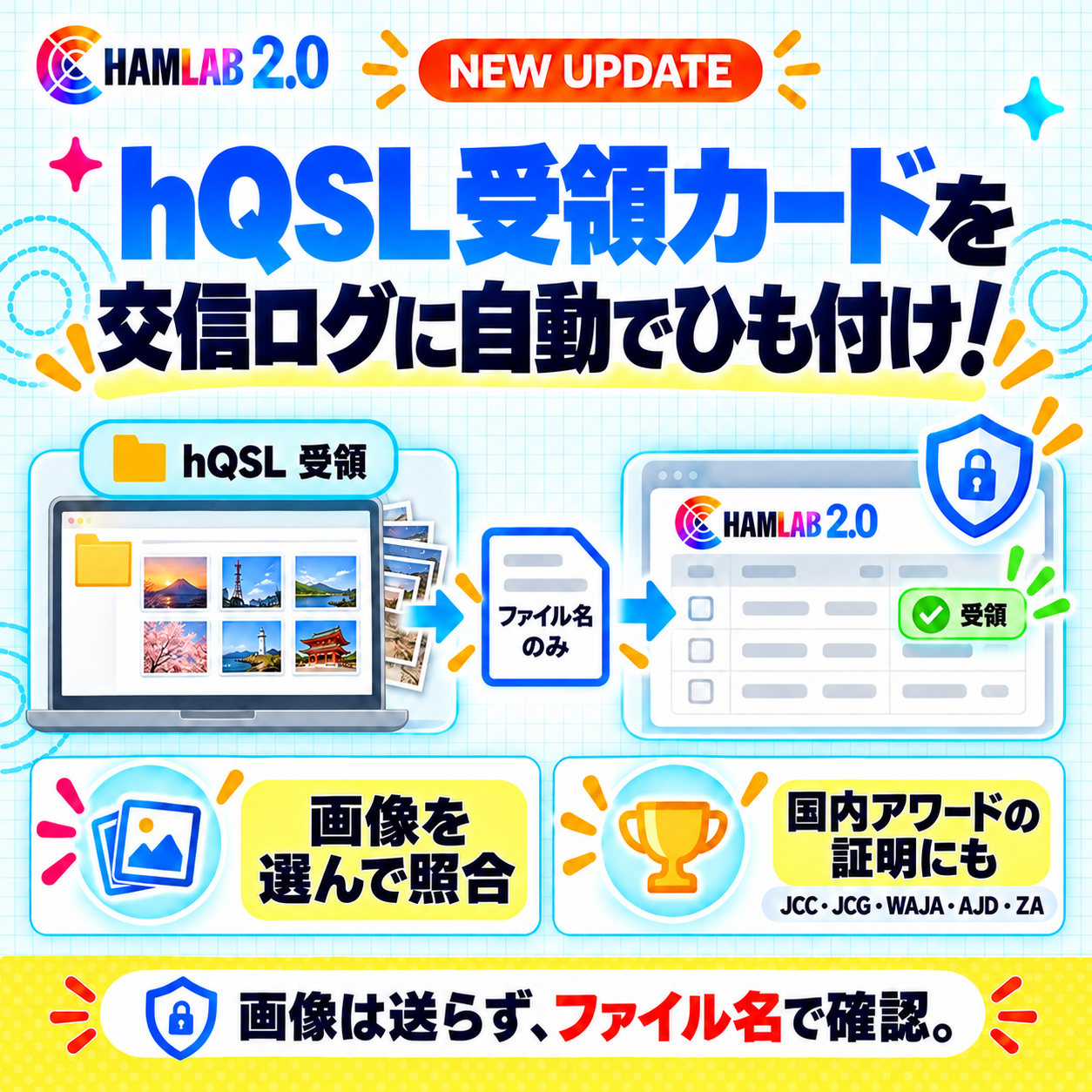
We have added a feature that automatically links cards you received via hQSL to the QSOs in your HamLab logbook. Linked QSOs are marked as "Received" and also count as proof for domestic awards such as JCC, JCG, WAJA, AJD, and ZA.
How to use
- Open "Register hQSL Cards" in the "QSL" menu.
- Click "Choose Images" and select the images in hQSL's "Received" folder (you can select many at once; even 30,000 images take only a few minutes).
- When the results appear, cards that were linked to a QSO will show as "hQSL Received" in your QSL list.
Rest assured
- The images themselves are not sent to HamLab. Your browser reads only the file names and matches them.
- The matched file names are saved, so you can use them later to find the cards in your hQSL folder.
Please note
- Please leave the file names exactly as hQSL assigned them. Files that have been renamed cannot be read.
- Cards with no matching QSO in your logbook will be marked "Confirmation Required." Once you log the QSO, the card will be linked automatically.
- These cards cannot be used as proof for DXCC (only LoTW and paper QSL are accepted).